
A private lesson. A kayak rental. An hour on the tennis court. With Checklick Bookings, customers pick an available time, then register and pay through your Storefront.
See it in action
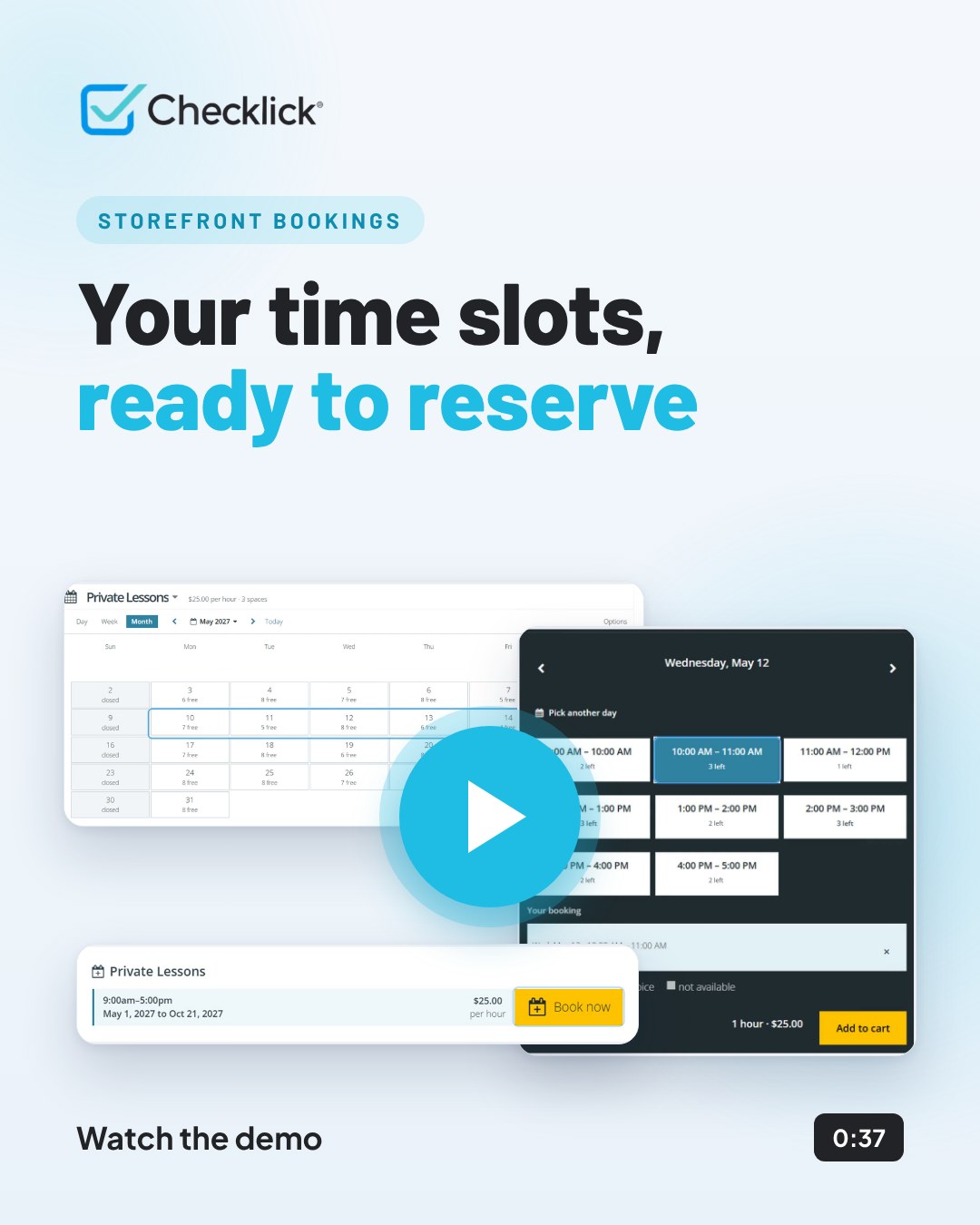
Watch Bookings in under a minute
See the full flow, from setting up a bookable session in your Storefront to a customer checking out.
What can you make bookable?
Anything where the date, time and availability matter.
If you already run registrations in Checklick, Bookings brings the same process to your scheduled offerings.
Private lessons and coaching
Offer one-on-one instruction without coordinating every appointment by email.
In practice: A training center offers one-hour lessons on weekday afternoons. Customers choose a boat and its assigned instructor, then register the participant.
Equipment and boat rentals
Let customers reserve equipment for a set period.
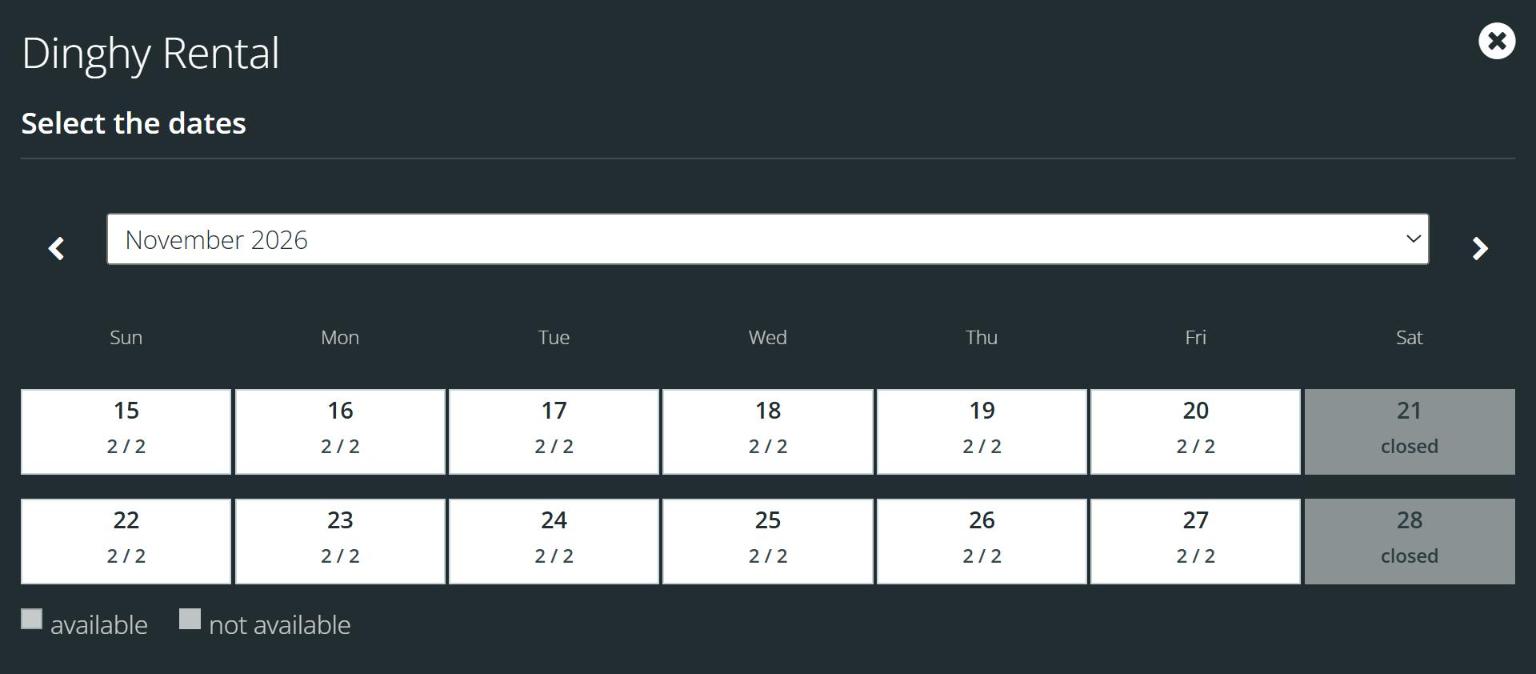
In practice: Your club has four kayaks in hourly slots with a two-slot minimum. Availability updates as kayaks are booked.
Courts, rooms and facilities
Give customers a clear way to reserve a shared space.
In practice: A tennis club offers court time in hourly blocks, with time set aside for coaching and maintenance.
Scheduling controls
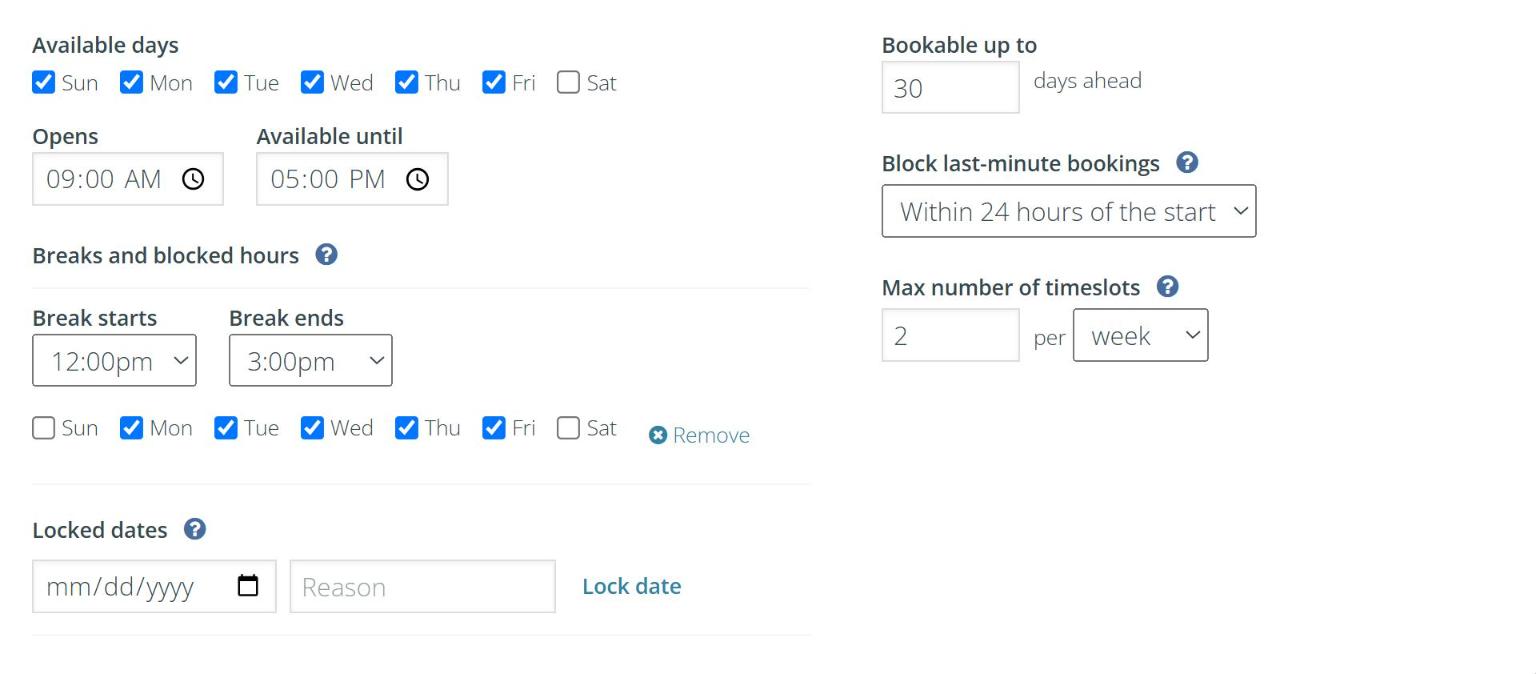
Make the schedule work for your club.
Decide exactly when customers can book, and protect the time you need for everything else.
Manage bookings
See every booking in one calendar.
Managers view bookings by day, week or month, see who is booked and reschedule when plans change.
In practice: An instructor teaching at two clubs sees all their sessions in My Schedule, while each club's managers handle booking changes.
Pricing
The same Storefront pricing you already know.
Bookings follows the same pricing and fee structure as your other Checklick Storefront products. Set the price of your lesson, rental or reservation and use your existing Storefront checkout, including the standard cart, discounts and taxes.
No changes in price, just more value.
4.9%
per transaction. No monthly fee.
Getting started
Set up your first booking in three steps.
Open Storefront
Log in to Checklick and go to your Storefront.
Go to Options, then Bookings
Create your lesson, rental or facility offering and set its price.
Set your availability
Add your season, hours, resources and limits. Customers can start booking.
Help center
Guides for you and your customers.
What will you make bookable?
Start with one offering: a private lesson, a piece of equipment or a shared space. Not on Storefront yet? We'll walk you through it.
No credit card · Free onboarding · Cancel anytime